

The roles
A viewer sees every screen; the buttons that change something answer “Your role does not allow this.”
Rules of the team
Settings → Team → Rules of the team (owners only). Two switches, both off by default.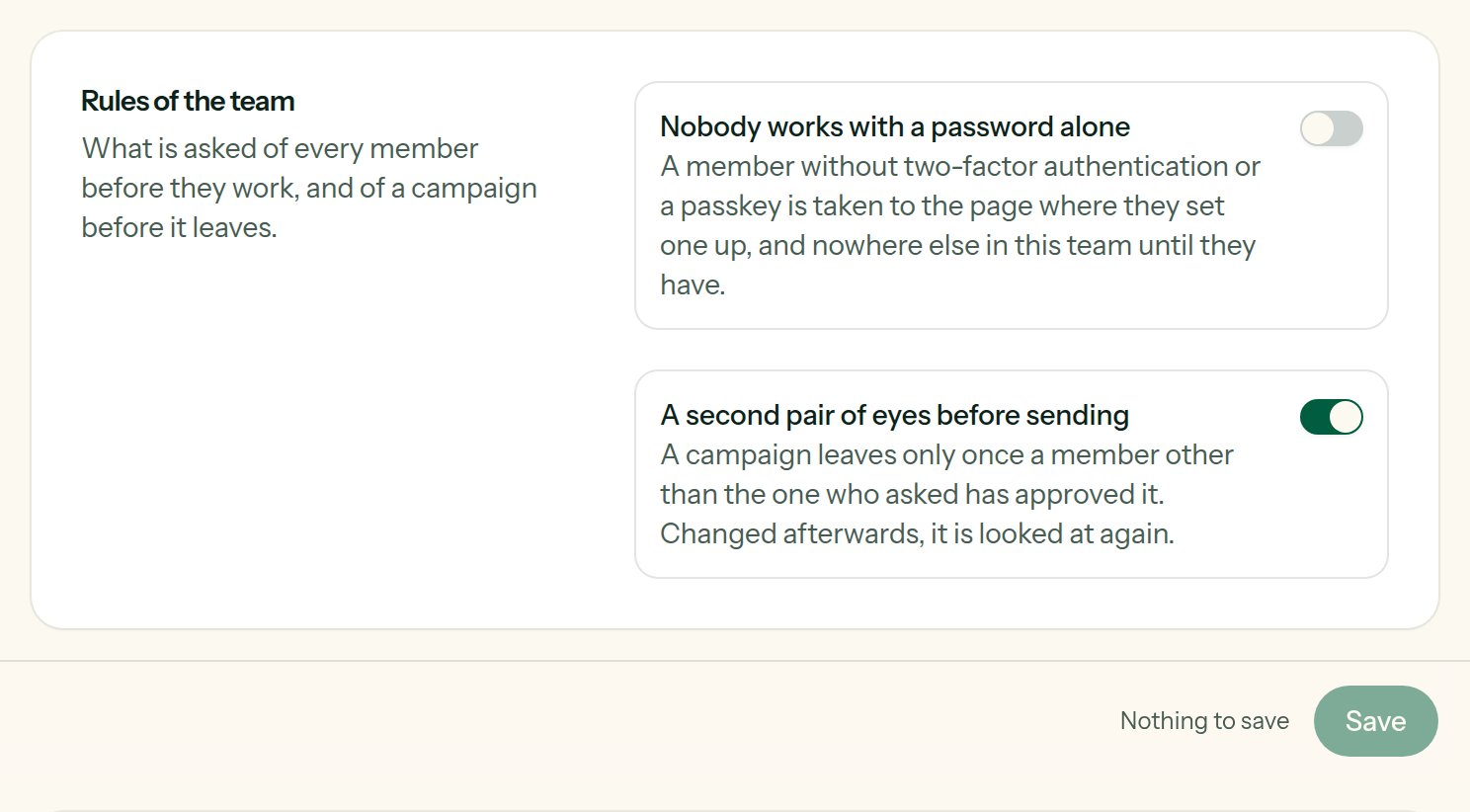
The rules of the team, for its owners.
boolean
A member who has neither two-factor authentication nor a passkey is taken to Settings → Security, and nowhere else in this team, until they have set one up. Their other teams, their own account and the way out stay open. Their API tokens and the SMTP relay are refused too until then: a token answers
403 two_factor_required, the relay 535. You cannot ask it of the others before protecting your own account.boolean
A campaign leaves only once a member other than the one who asked has approved it; changed afterwards, it is looked at again. It needs at least two members who may send. See Sending.
Invite a member
Settings → Team → Invite a member (owners only): name, e-mail address and role, then Send the invitation. The person receives an e-mail, “Invitation to join …”, with a Choose my password button. The link expires after a while (60 minutes by default); Send access link sends a new one. If the address already has a Lekalao account (in another team), it is simply added to yours.Managing the members
The Members section lists each person with their role:- change the role in the dropdown (not your own);
- Remove takes the person out of the team (not yourself). Their account is not deleted, and what they created stays with the team.
Several teams
A team has its own lists, campaigns, mailers, domains, settings and billing; nothing is shared between teams.- The team switcher, at the top of the sidebar, lists your teams and moves you between them.
- New team creates one that you own.