

The sign-up page
Every list has one, at an address shown in its Settings → Subscription form section: nothing to install, a link to put anywhere.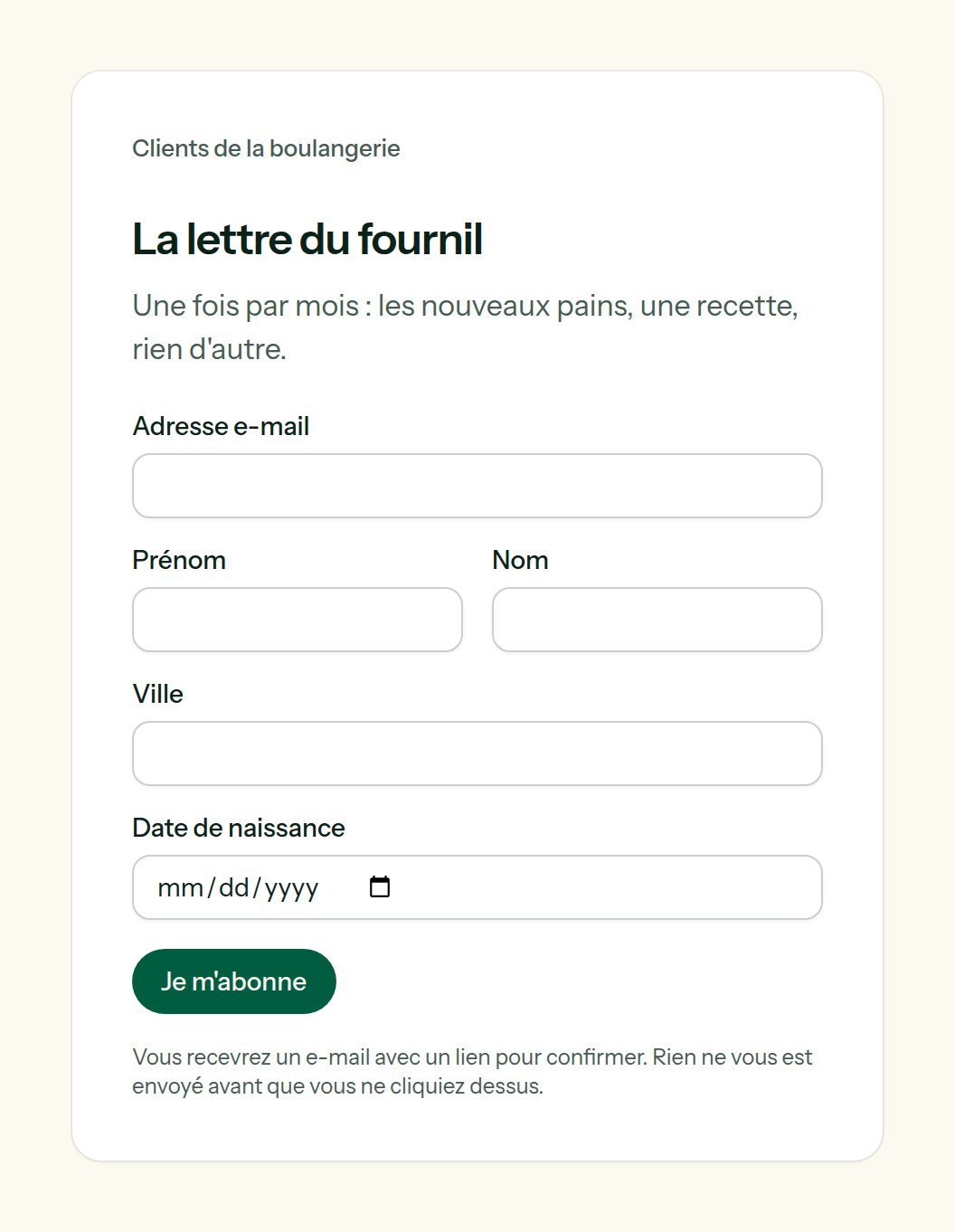
The sign-up page of a list, in the team's colours and the list's language — French, here.
text
“Subscribe to”, then the name of the list, when empty.
contact fields
Choose among your contact fields, in the order they should appear. Each is asked according to its type: a date picker for a date, a box for a yes or no. A form can only write the fields you chose here.
The pop-up
One line before</body> on your website, copied from the same section (A pop-up for your website):
localStorage) and no cookie.
When the list names Allowed domains, only those websites can show the pop-up: the browser refuses to frame the page anywhere else.
Landing pages
The Pages tab of a list. A landing page is a promise and the form: a headline, a few lines, an image, and an address of its own —https://panel.lekalao.com/p/spring-letter.
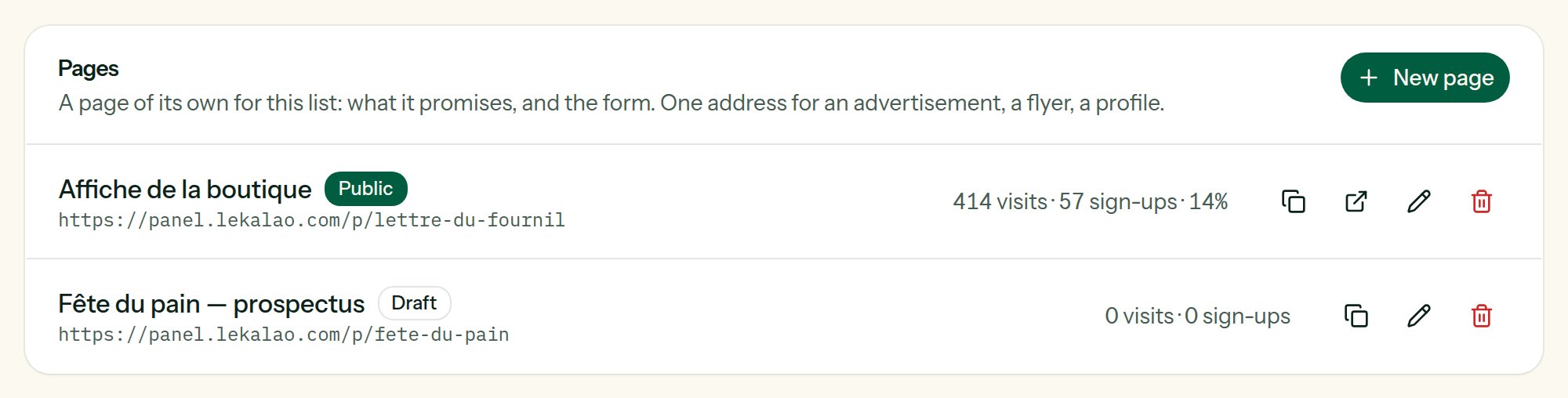
The pages of a list, with their visits and the people they brought in.
1
New page
Name is for you. Address is what follows
/p/: lowercase letters, numbers and dashes. Left empty, it is made from the name; taken, it gets a number.2
Write
Headline, then Text in Markdown:
**bold**, - lists, [links](https://…). HTML you type is shown as text, not run. Image (address) takes an https:// address, for instance from your media library.3
For search engines and link previews
The sentence shown under the title by a search engine, and in the preview when the address is shared.
4
Public
A draft answers “not found” to everybody. Switch Public on when it is ready.
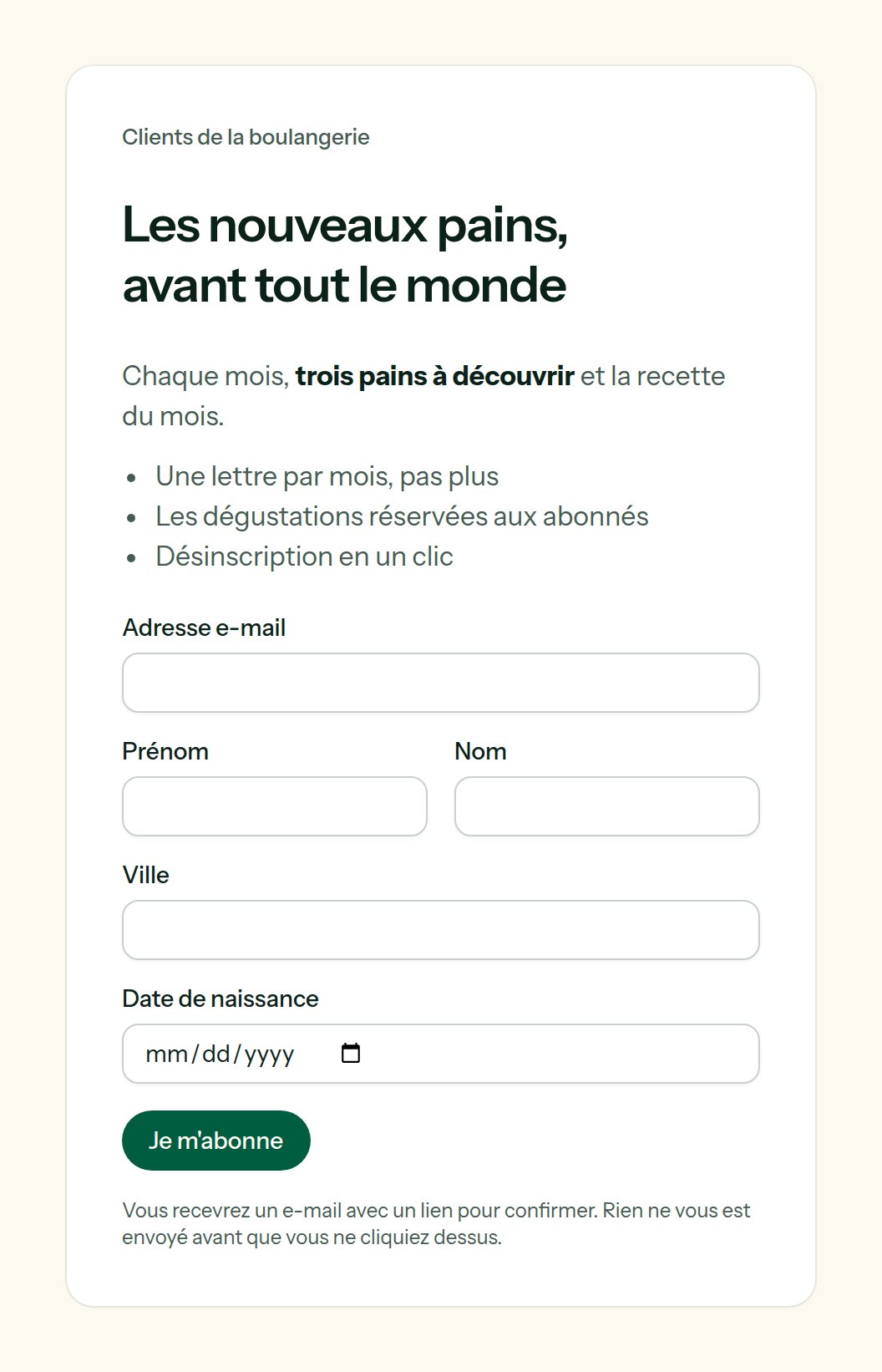
What a visitor sees: the promise, then the form.