

The navigation
The sidebar reaches everything:
At the top of the sidebar, the team switcher shows the current team and its plan, and moves you to another team. At the bottom, your profile and the way out.
The breadcrumb at the top of each page says where you are (Campaigns › Bread festival › Delivery), and every step is clickable.
The command palette
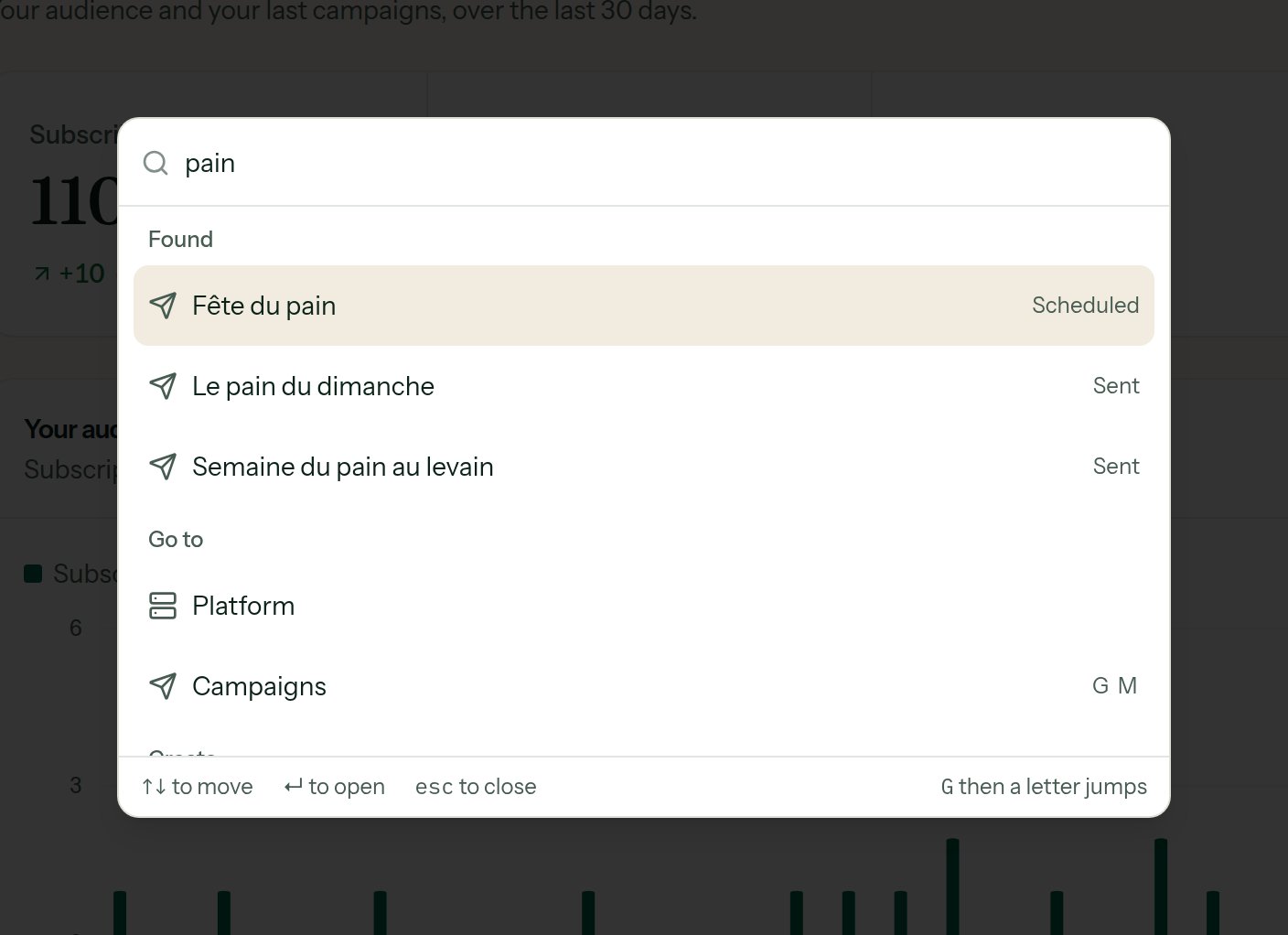
The palette opens with ⌘K on a Mac, Ctrl+K elsewhere.
- goes to any page or setting;
- creates a campaign, a list, an automation or a template;
- finds your campaigns, lists, automations and subscribers by name from two letters typed;
- keeps the places you went to recently;
- switches between the light and dark themes.
The keyboard shortcuts
Outside a text field:
Inside an e-mail editor:
The tables
A table row that leads somewhere is clickable across its whole width; ⌘-click (or Ctrl-click) or the middle button opens it in a new tab. From the keyboard, Tab reaches the link the row holds, usually its name. Recent dates are shown as “2 h ago”; hover for the exact one. A column heading that is a link sorts the table by that column; a second click turns the order round. The campaigns sort by name, sent, opens, clicks and date; the automations, the people and the subscribers of a list have their own. The sorted view has an address of its own and keeps the filters. The rows of the campaign list can be ticked to act on several at once. See Archive and delete.The side panels
Creating a list, a subscriber, a campaign, an automation, a token or a webhook opens a side panel rather than a new page: what you were looking at stays in view. These panels have an address of their own:/campaigns?new=1 opens the one for a new campaign directly.